
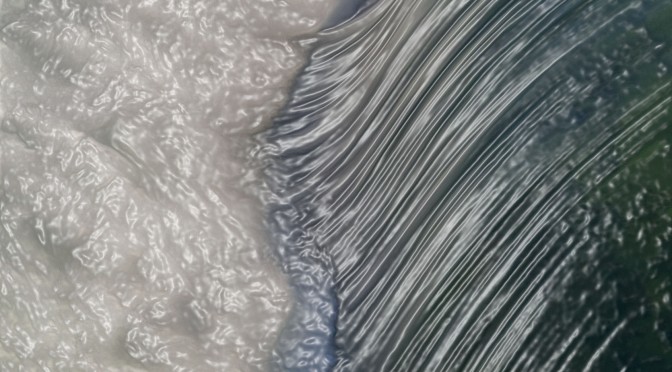
After burning the midnight oil quite a bit recently working on a major safety video project for a client, I decided it was time to take a break so I grabbed my camera bag and headed off to the Niagara Falls area for the day. Since I’ve always enjoyed working with Topaz to add more dramatic and artistic impressions to some of my images, I wanted to see if I could capture some waterfall images that could work as ‘photo art’. So, what follows are some abstract waterfall images.
I certainly appreciate that many photographers do not agree with photographic images being adjusted in this manner. If that is your orientation this article is likely not going to appeal to you.
I did not bring a tripod with me for two reasons. The first is that I thought the water going over the falls would be moving rapidly enough that I could get a ‘smooth water’ effect while shooting hand-held. The second reason was that I knew I would be shooting at small sections of the waterfall and a tripod would likely be far too restrictive to get the exact framing I wanted.
Let’s start with an out-of-camera jpeg so you can see the original image.
NOTE: click on images to enlarge

I used a variable neutral density filter, set my Nikon 1 V2 to ISO-160, and had to stop-down my lens to f/8 in order to be able to shoot hand-held at 1/4 second to capture the image above…such are the challenges of shooting on a super bright and cloudless day.

Often when doing ‘photo art’ I like to make rather severe adjustments to my images as part of the experimentation process.

There are some typical things I try with an image when using Topaz, one being the ‘accented edges’ filter as seen in the above image. This often gives an image more of a oil painting look.

The ‘chalk and charcoal’ filter can really break down an image into basic colour elements which I sometimes like quite a bit.

The ‘cutout’ filter can also be used to simplify photo elements as seen in the image above.

At times some images lend themselves to a ‘chrome’ filter treatment. This creates a very modernistic impression of an image.

The ‘plastic wrap’ filter is one that doesn’t usually appeal to me but I like to play with it as I did with the image above.
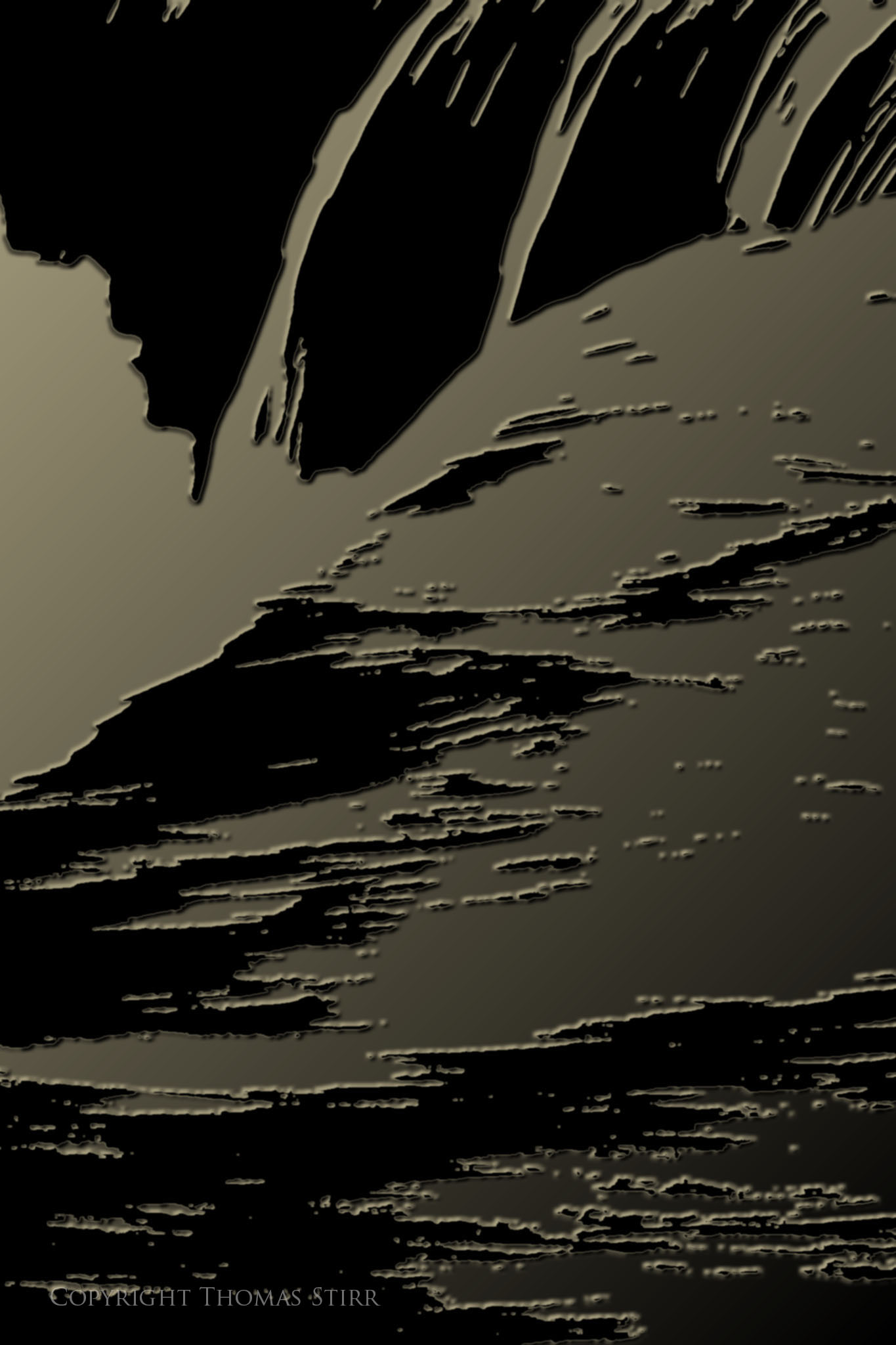
To create very dramatic effects I like to use the ‘plaster’ filter as seen in the image above. For a very modernistic interpretation of an image this is often my favourite filter – as it is with this particular image.
If you’re not already too bored…I have another image to show you.
Let’s start with the out-of-camera jpeg.

Again, I like to make some aggressive adjustments to begin my creative journey.
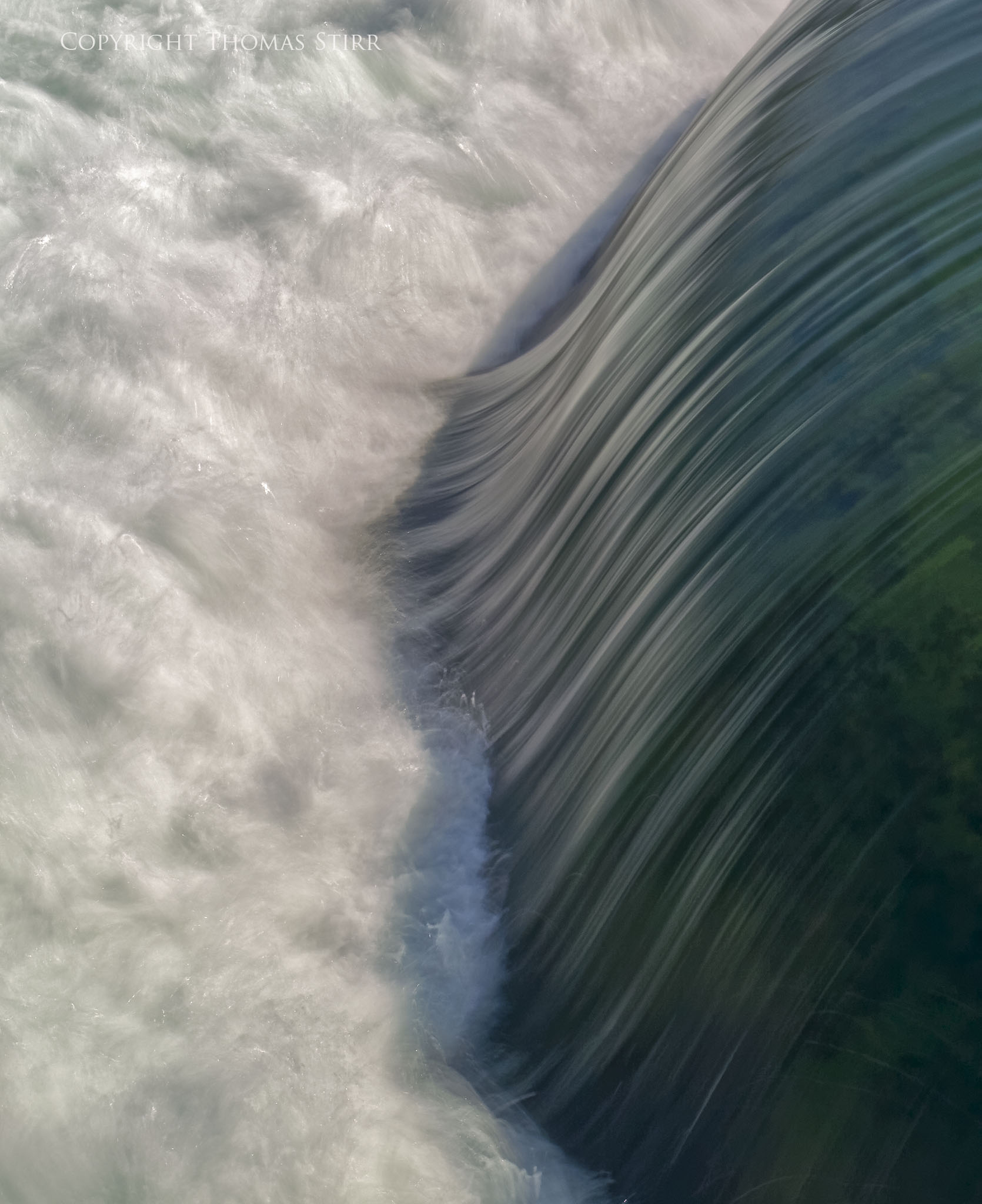
I took image highlights way down and pulled out a good amount of the shadows to create the version above. I thought it would be important to have as many highlight details as possible in the image, as well as seeing underneath the water flowing over the rocks. Knocking back the shadows also helped to accentuate the flow patterns in the waterfall. I also cropped the image on top and bottom to give it a tighter feel.

The image above shows use of the ‘accentuated edges’ filter. I really like how it gives the image an oil painting look and helps to accentuate the flow of the water.

The above image shows use of the ‘cutout’ filter.

The ‘poster edges’ filter used in the image above is one that I often use with flower and animal images.

The above image was adjusted using the ‘plastic wrap’ filter.

And finally, the image above was created using the ‘plaster’ filter. As with the other image I featured in this article, this filter is my favourite treatment of the second image. I just love the simplicity and flow of this image.
As I mentioned upfront in this article I appreciate that adjusting photographs with various filters and effects may not appeal to all photographers. I view these techniques as simply extensions to a photographer’s creative vision.
Article and all images Copyright Thomas Stirr. All rights reserved. No use, duplication of any kind, or adaptation is allowed without written consent.
I like #1 and #4 the best. #4 to me has an Asian feel and also a frozen moment in time feel where the world stops, then resets.
Thanks for sharing all the images. Such fun it is.
Thanks for sharing your thoughts Pam – much appreciated!
Tom
I like the first image best!
Thank you very much for the share 🙂
You’re welcome Linda! My wife also liked the original images best as well…her second choices were the ‘plaster’ filter versions of each image.
Tom